
How it works
Start a focus session
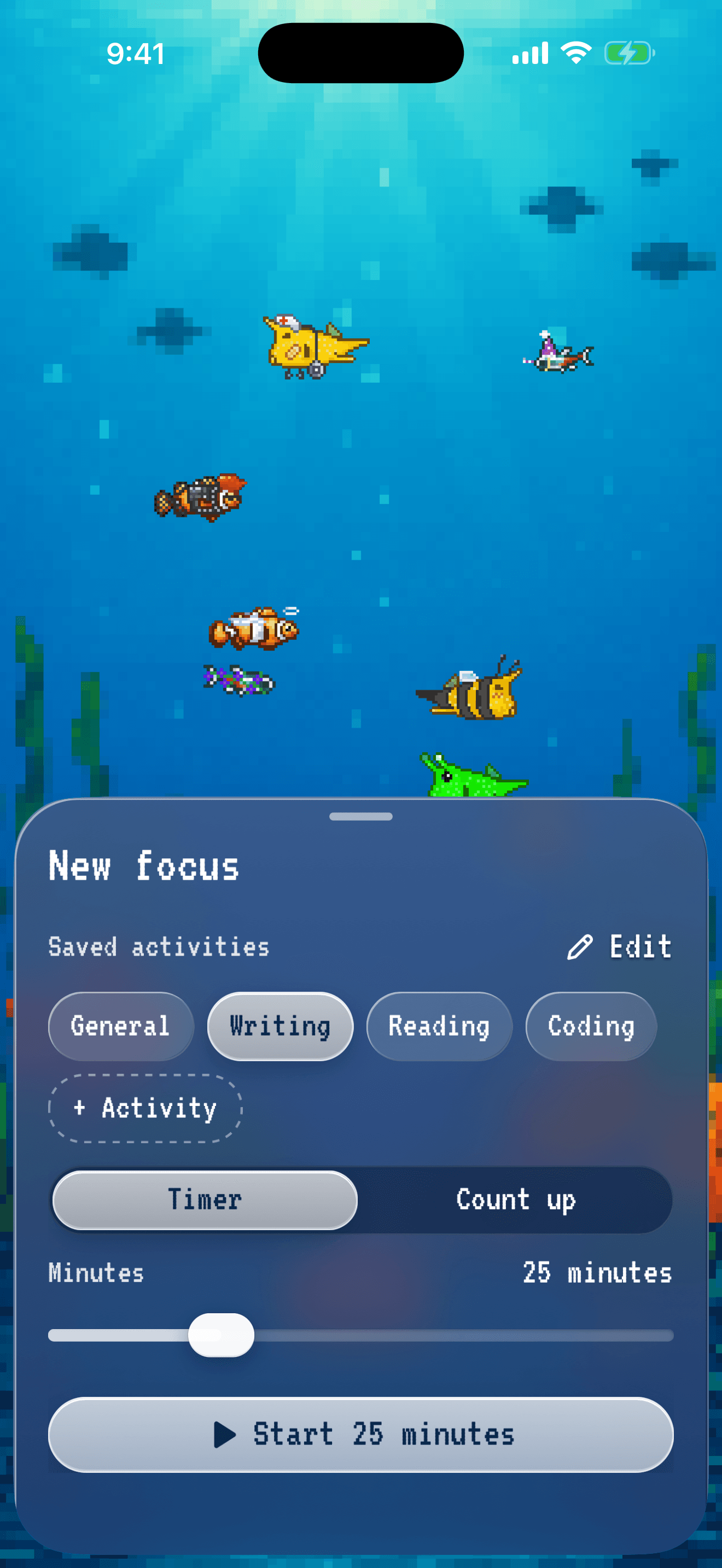
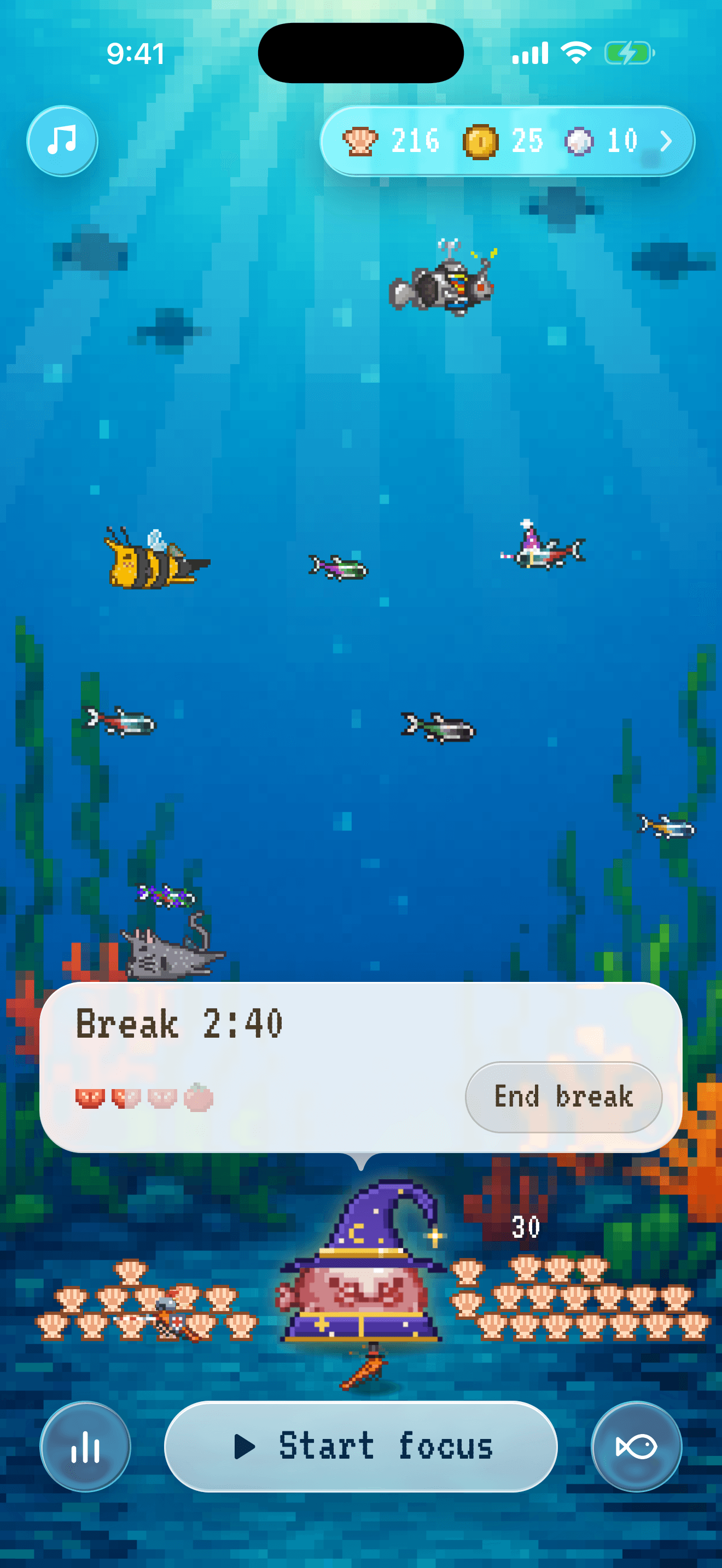
- On the home screen, tap Start focus.
- Type what you are working on, or tap one of your saved activities.
- Choose Timer and set the minutes, or choose Count up and stop when you are done.
- Tap the Start button, for example Start 25 minutes. You can leave the app while the timer runs. If you allow notifications, Blobodoro tells you when the time is up.
Tomatoes and breaks
- Each tomato slice is 25 minutes of focus. 4 slices make a whole tomato.
- A short break starts after each focus session. After each whole tomato in a day, you get a long break.
- To focus without breaks, turn off Breaks in Settings.
Catch a fish
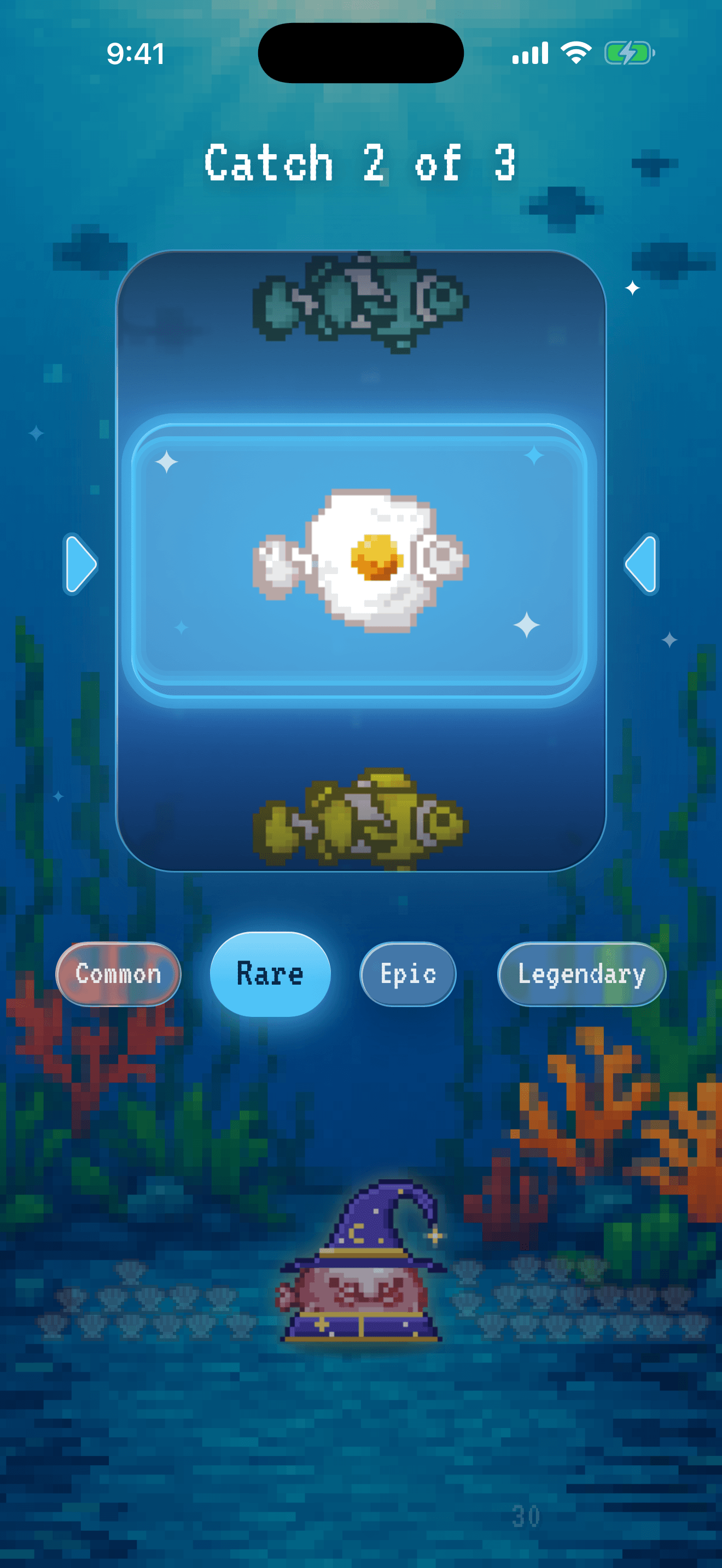
- Every 25 minutes you focus gives you a fish to catch. Short sessions add up, so 15 minutes and then 10 minutes also give you a fish.
- On the home screen, tap the Blobfish’s speech bubble that says how many fish you have to catch. Then spin the reel to see which fish you get.
- The new fish swims into your tank. If your tank is full, the fish waits in your Collection.
Your Collection
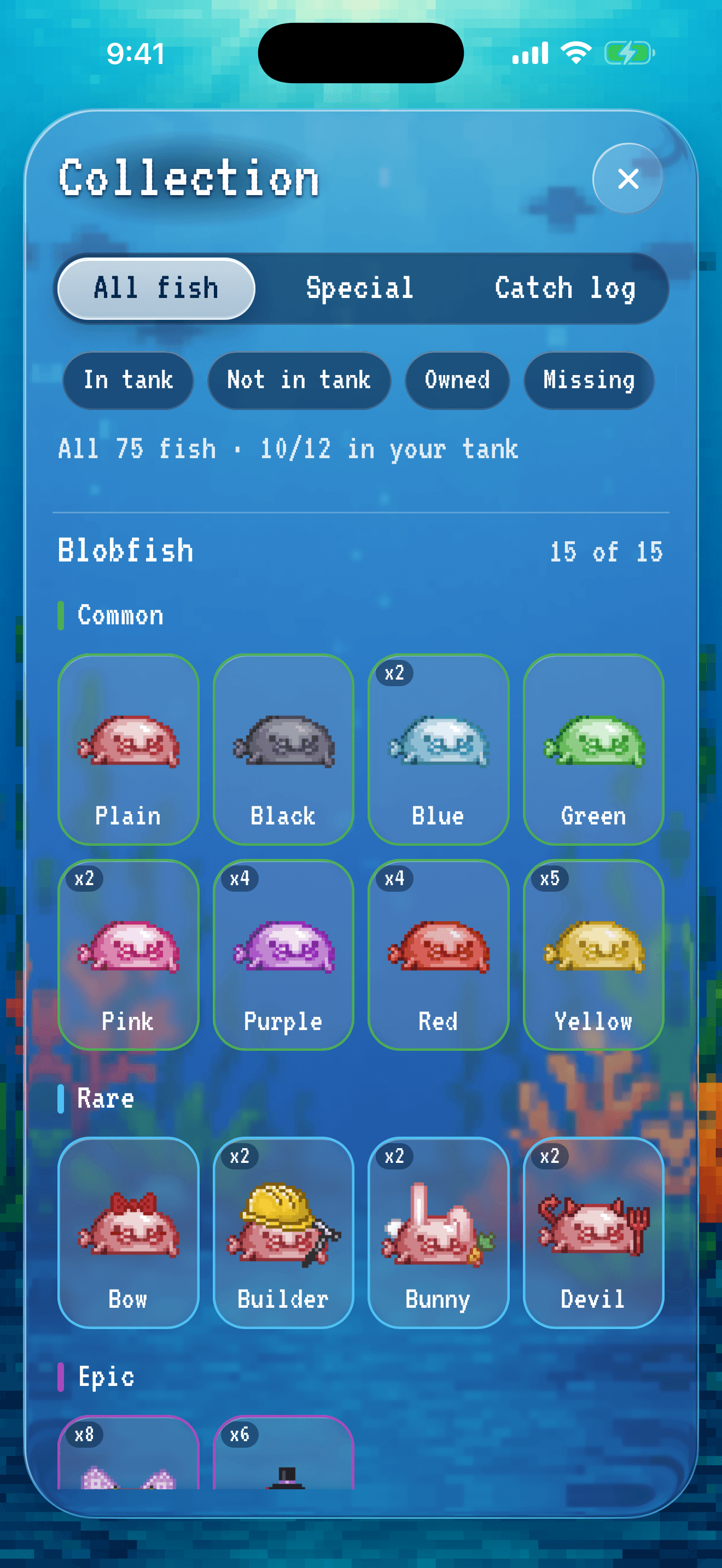
- Each kind of fish has its own section.
- Use the filters to see the fish in your tank, the fish you own and the fish you are missing.
- Tap a fish to give it a name, or to choose how many of it swim in your tank.
Stats
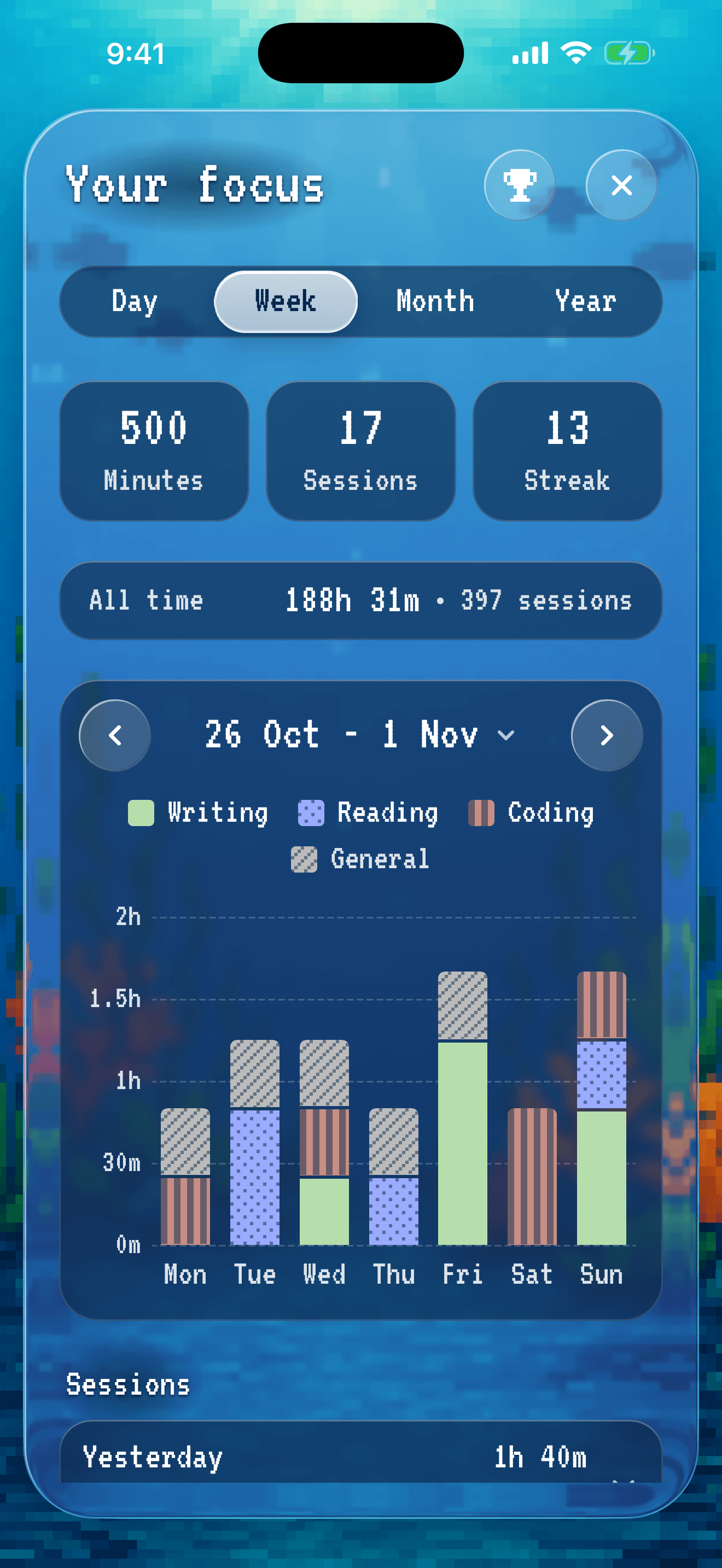
- Day and Week show your minutes, your focus sessions and your day streak.
- Tap a focus session to change its activity or delete it.
Achievements
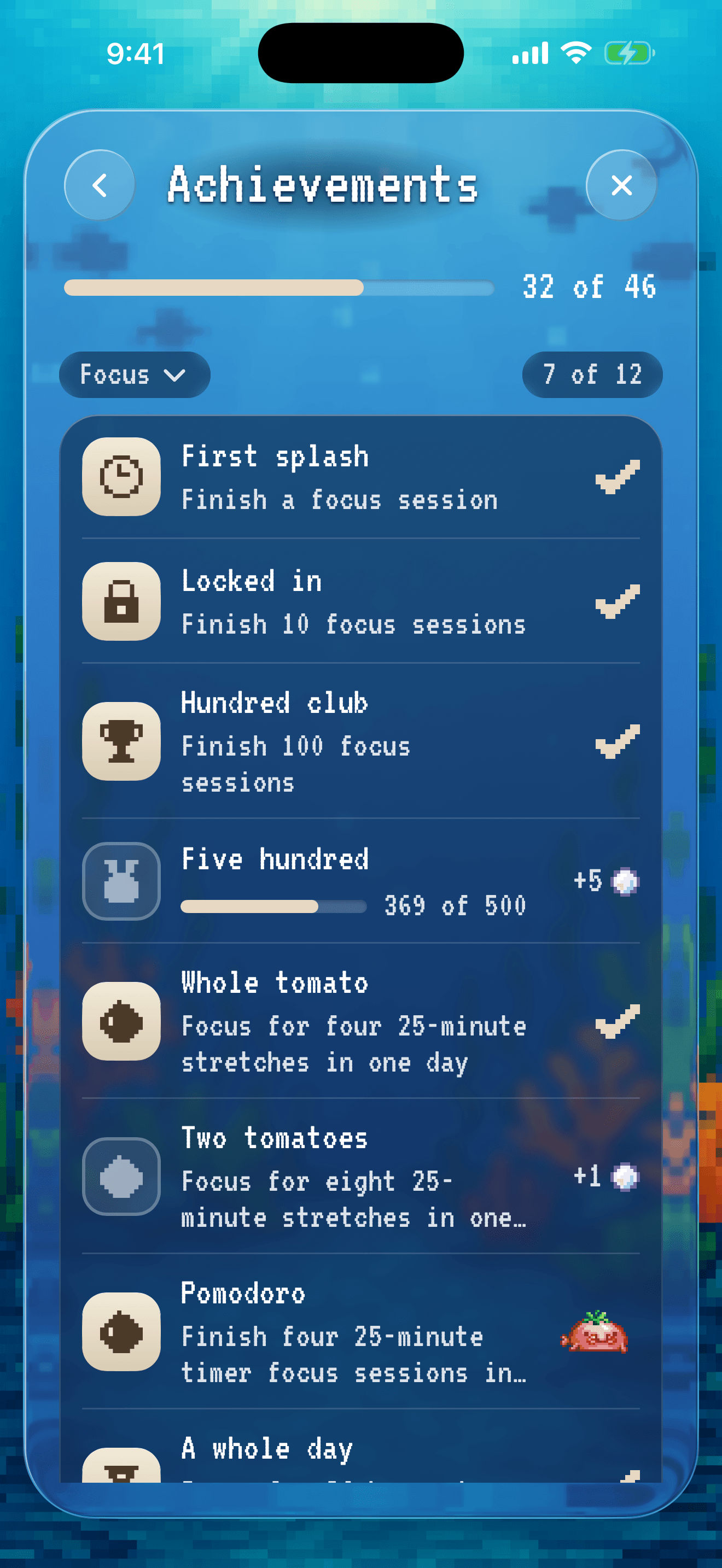
- Tap the trophy in Stats to see all 46 achievements.
- Focus sessions from Blobodoro 1.x count towards them too.